

- Mark as New
- Bookmark
- Subscribe
- Subscribe to RSS Feed
- Permalink
- Report Inappropriate Content
Printing
You should receive a page telling you what must be sent. Also, one of the pages should have a barcode. If you have that page plus what the instructions advise, then that is all that is needed.
Thank you for choosing TurboTax
- Mark as New
- Bookmark
- Subscribe
- Subscribe to RSS Feed
- Permalink
- Report Inappropriate Content
Printing
The page which I have to send has missing pages, no barcode pages. I am pretty sure it’s incomplete, can you look into it?

- Mark as New
- Bookmark
- Subscribe
- Subscribe to RSS Feed
- Permalink
- Report Inappropriate Content
Printing
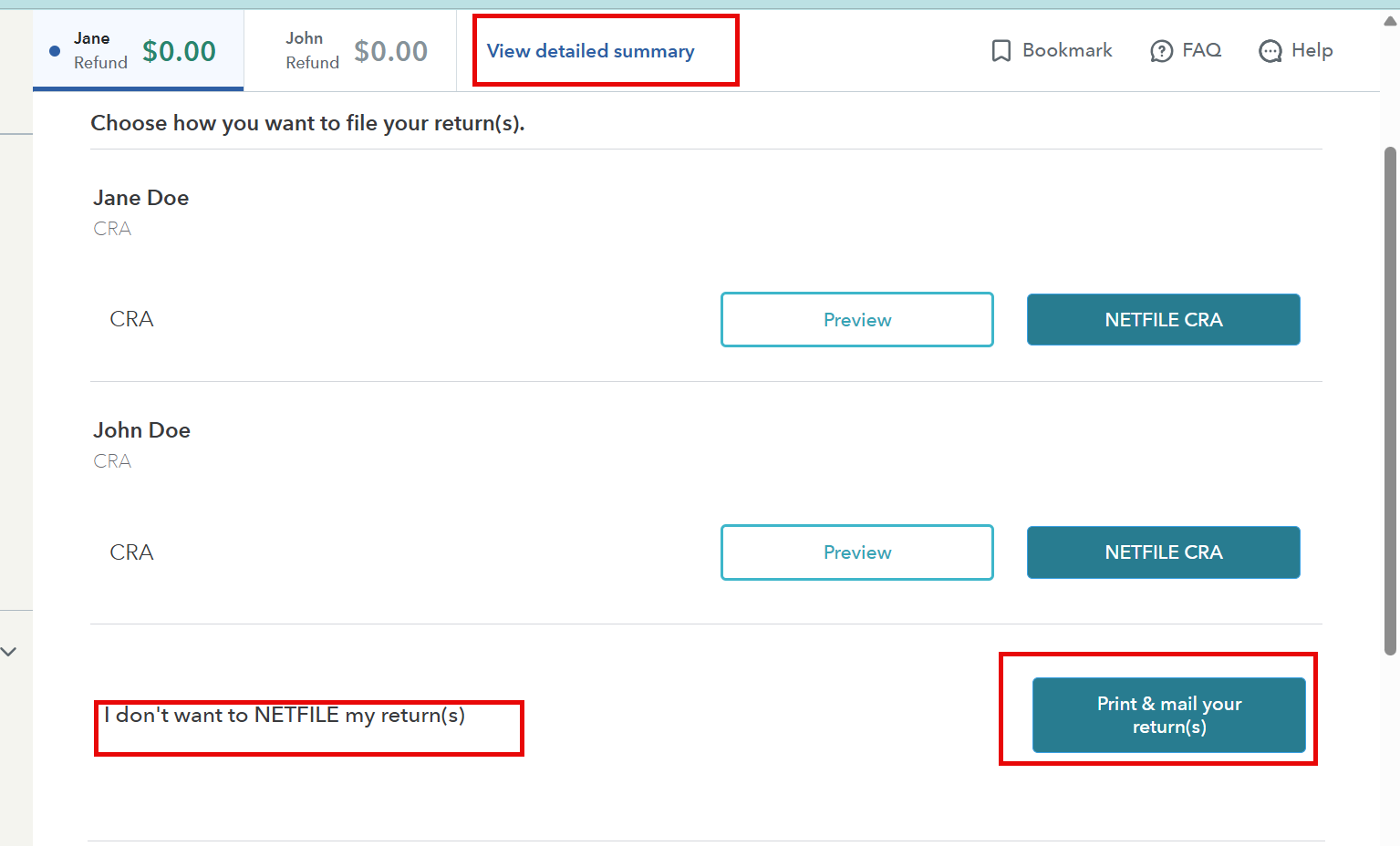
@reejajohn To print a CRA copy of your return
Go to Finish and File section from the left hand side navigation bar and choose an option to Print and mail your return.
- Mark as New
- Bookmark
- Subscribe
- Subscribe to RSS Feed
- Permalink
- Report Inappropriate Content
Printing
Yes I am clicking on that, from step 1 it directly skip to step 6. There should be 8 pages but it has only 4 pages. PDF pages are incomplete for sure
- Mark as New
- Bookmark
- Subscribe
- Subscribe to RSS Feed
- Permalink
- Report Inappropriate Content
Printing
@reejajohn We have reported this again, as per the information we received this issue should be resolved by now. We have updated our investigation team so they can further look into this. Once we will have an update we will post it in this thread. We appreciate your patience while we are looking into this.
- Mark as New
- Bookmark
- Subscribe
- Subscribe to RSS Feed
- Permalink
- Report Inappropriate Content
Printing
@reejajohn, we are aware of the problem and are actively investigating it. Once we have an update, we will post it in this thread. We appreciate your patience as we work on this.
