

- Mark as New
- Bookmark
- Subscribe
- Subscribe to RSS Feed
- Permalink
- Report Inappropriate Content
Getting started
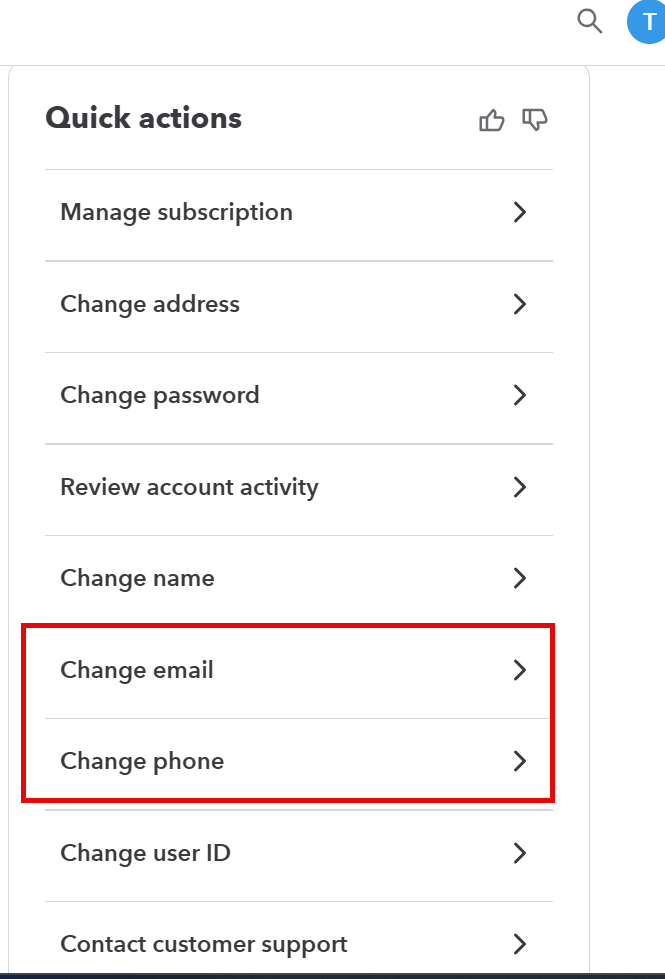
To change your email address:
- Sign in to your TurboTax Online account.
Do not click the Take me to my return button - Select Account Settings from the lower left corner.
- This will take you to an Overview screen > Quick actions
- Click Edit at the right of the E-mail address line.
- Enter your new email address and confirm it.
- Click Save, and you’re done.
Thank you for choosing TurboTax.
January 5, 2026
10:28 AM
