

- Mark as New
- Bookmark
- Subscribe
- Subscribe to RSS Feed
- Permalink
- Report Inappropriate Content
Getting started
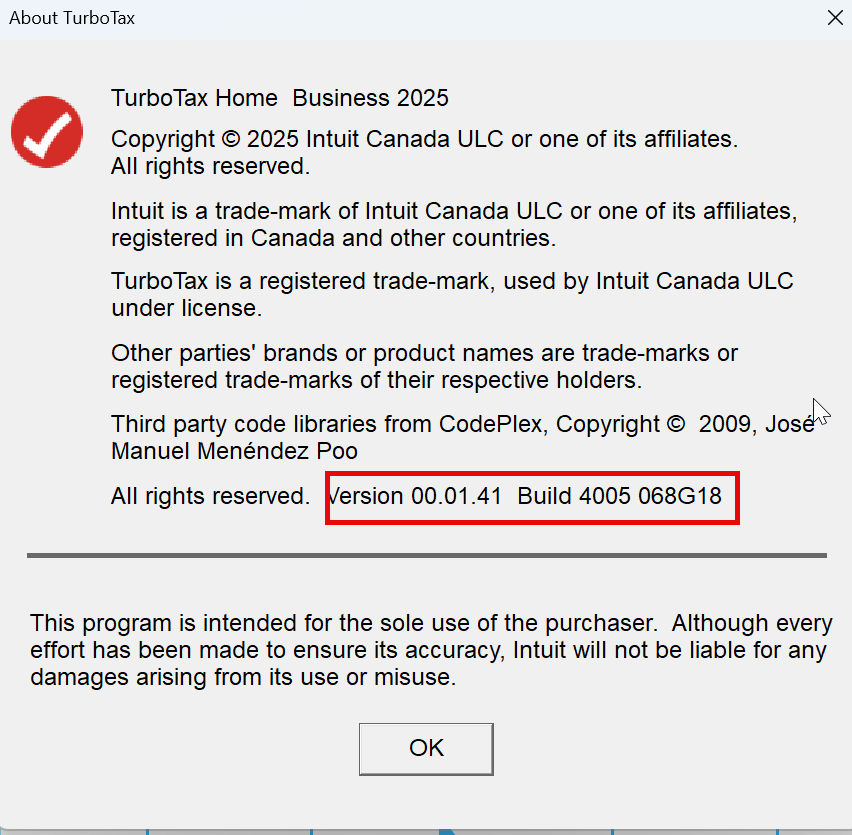
@JustAsking1 It should be fine. As long as the TurboTax build is up-to-date.
I've attached a screenshot for reference below. To check that information, you can go to Help > About TurboTax from the top panel.
You don’t need to start over and give this a try. You can manually whitelist the program through your Windows settings:
- Click the Start menu and type "Allow an app through Windows Firewall" and hit Enter.
- Click the Change settings button (you may need Admin permission).
- Look for TurboTax 2025 or CefSharp.BrowserSubprocess in the list.
- Ensure the checkboxes for both Private and Public are checked.
- If you don't see it, click Allow another app..., browse to your TurboTax installation folder (usually in C:\Program Files (x86)\TurboTax), and select the executable file.
February 24, 2026
6:37 AM
