

- Mark as New
- Bookmark
- Subscribe
- Subscribe to RSS Feed
- Permalink
- Report Inappropriate Content
Getting started
This screenshot was taken when the software showed that a new update was available. At that time it will give you the details of what will be fixed with this new update. If you have updated it already, you won't be able to see this information.
You can check if your software is updated to the latest version by going to Help> About TurboTax from the top left panel and making sure the version and the build are the same as shown below.
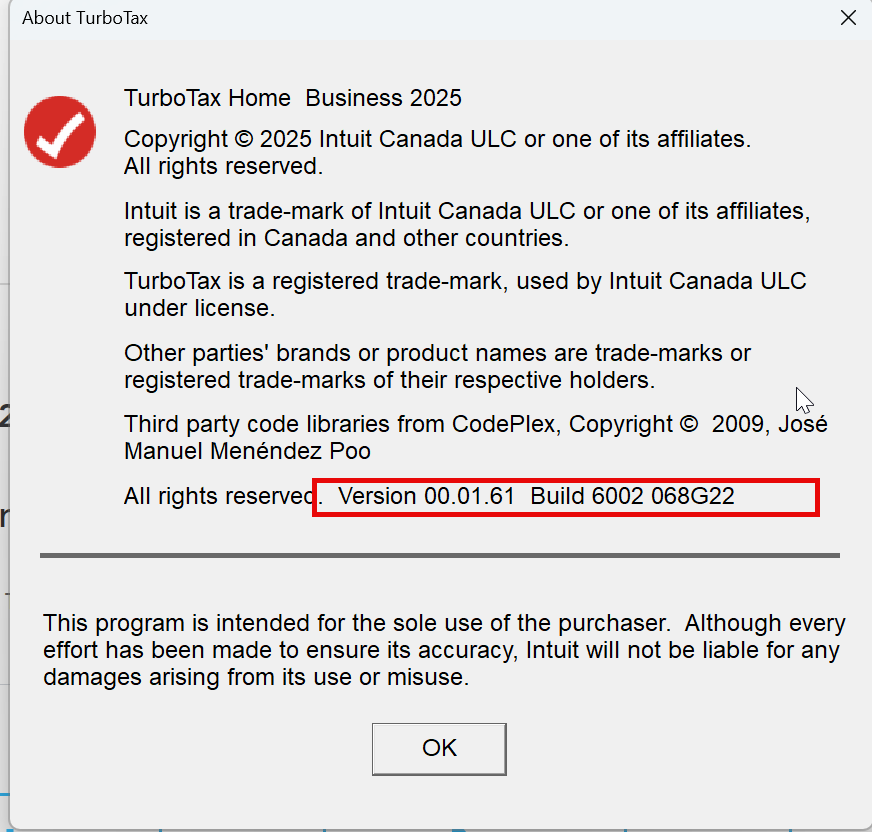
March 23, 2026
12:25 PM
