- Mark as New
- Bookmark
- Subscribe
- Subscribe to RSS Feed
- Permalink
- Report Inappropriate Content
After you file
I have the downloaded version and it is not working either.
The issue is either with CRA or TurboTax. It is not a browser issue.
I did the import, it told me that the import was complete, it updated my taxes owing, however there is no T4 info showing.
None of my RRSP receipts appeared either.
This needs to be fixed NOW.
Thanks


- Mark as New
- Bookmark
- Subscribe
- Subscribe to RSS Feed
- Permalink
- Report Inappropriate Content
After you file
@MapleLeaf61 The CRA reported an outage for autofill. I am glad it is functioning now. Thank you for providing the update.

- Mark as New
- Bookmark
- Subscribe
- Subscribe to RSS Feed
- Permalink
- Report Inappropriate Content
After you file
The button of "Import Tax Data from CRA/..." greyed out. I am using the Online downloaded version 00.01.11 Build 1005 068G02. Are we crazy to spend so much time for this function? We need the function for many reasons.

- Mark as New
- Bookmark
- Subscribe
- Subscribe to RSS Feed
- Permalink
- Report Inappropriate Content
After you file
@simondi78 Please update your software. If it's not automatically updating when you launch the program, click on Help>Check for updates on the grey menu bar.
If it's still not updating, try reinstalling the program using the download from our website. You can download the current version of TurboTax Desktop edition here: Choose the current TurboTax Desktop edition you need (for Windows). You can download older versions of TurboTax Desktop edition here: Where can I download the Desktop edition of TurboTax?

- Mark as New
- Bookmark
- Subscribe
- Subscribe to RSS Feed
- Permalink
- Report Inappropriate Content
After you file
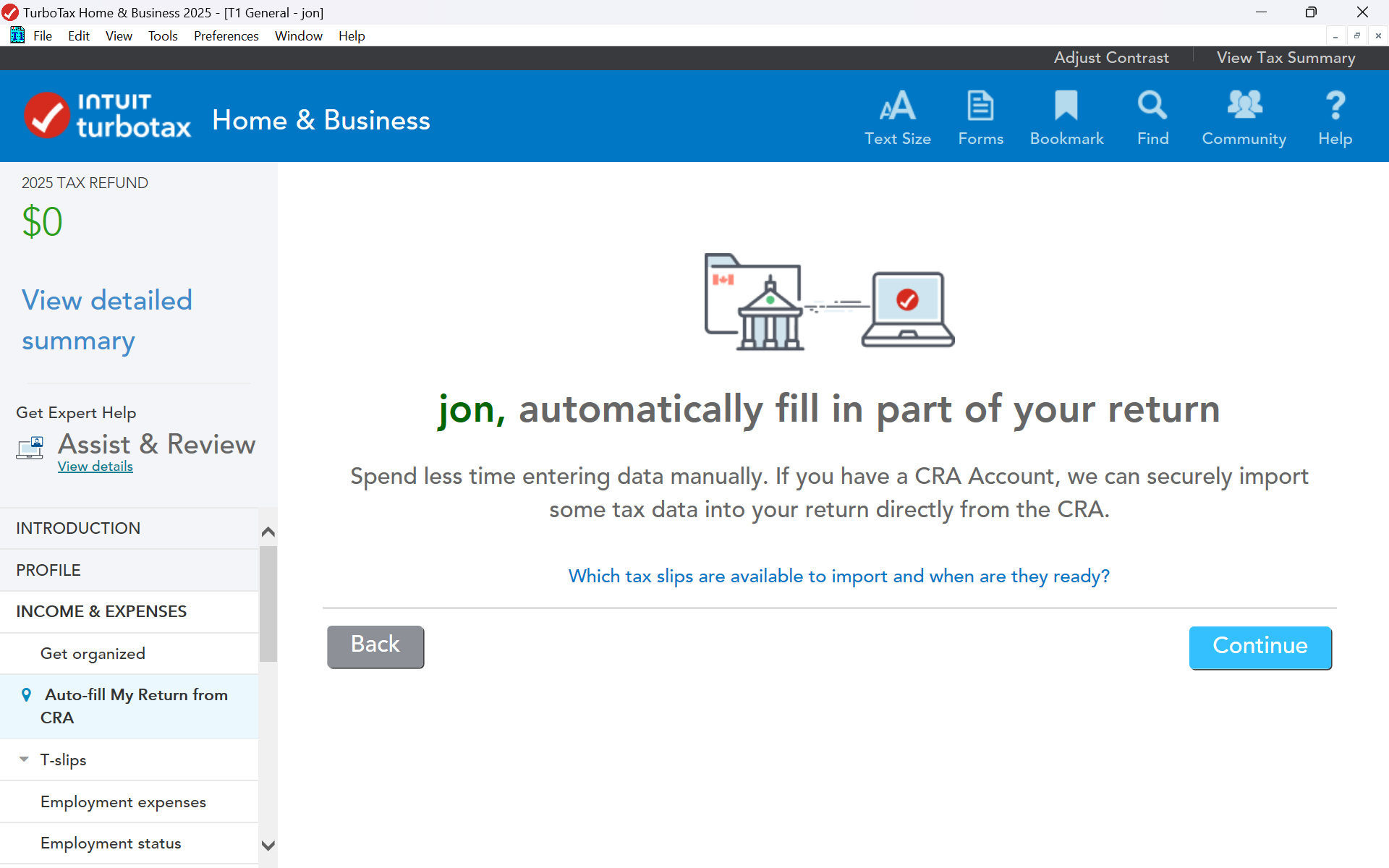
Under, Auto-Fill by selecting Income & Expenses, there is no menu item called Import Tax Data from CRA from the left side menu.
T4A(P) does not provide box 20 for imput, thenn the software comeplain that. It is so self conflictive!
- Mark as New
- Bookmark
- Subscribe
- Subscribe to RSS Feed
- Permalink
- Report Inappropriate Content
After you file
@simondi78 When you select Auto-Fill from under Income & Expenses in the left side menu, then the right side will show you the Auto-Fill page and you start by clicking continue. If you are looking in the File menu for the "Auto-Fill My Return", that will be greyed out unless you are in Forms mode.
Either way, the version of TurboTax that you have is out of date, so you need to update to the current version version 00.01.11.
You do not need to enter the amount that appears in Box 20 of your T4A(P). Instead, enter the benefits received according to their type in boxes 14 to 19, and TurboTax will calculate Box 20 itself.