

- Mark as New
- Bookmark
- Subscribe
- Subscribe to RSS Feed
- Permalink
- Report Inappropriate Content
Self-employed
To get your T1 General follow these steps:
- Sign in to your TurboTax account.
- View all tax returns
- Below, start your new return; it will say, "Access your filed tax returns."
- Choose the tax year for your T1 General. Click on the PDF to print.
OR
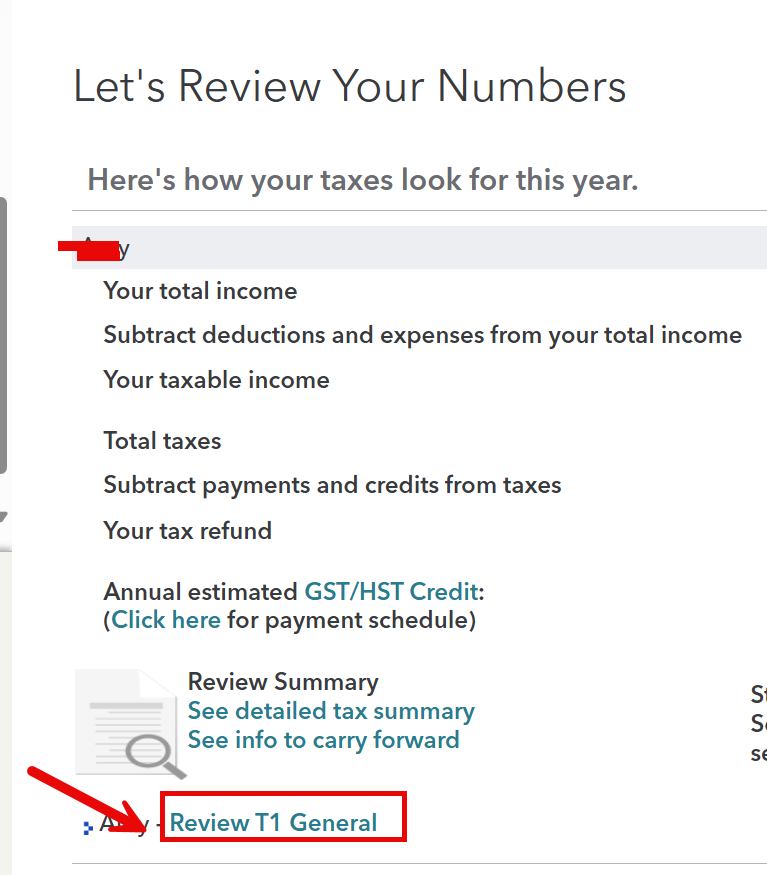
To print a copy of a return on T1 General, select it and then navigate to Review Section > Let's Review Your Numbers. On the left side of this page, you will find a print option for a T1 General.
Thank you for choosing TurboTax.
January 16, 2026
6:19 AM
