

- Mark as New
- Bookmark
- Subscribe
- Subscribe to RSS Feed
- Permalink
- Report Inappropriate Content
Self-employed
If you want the account and all data associated with it to be completely erased from Intuit's servers, follow the instructions below.
- Sign in to the duplicate account you want to delete.
- Go to the Account Settings from the left-hand side panel.
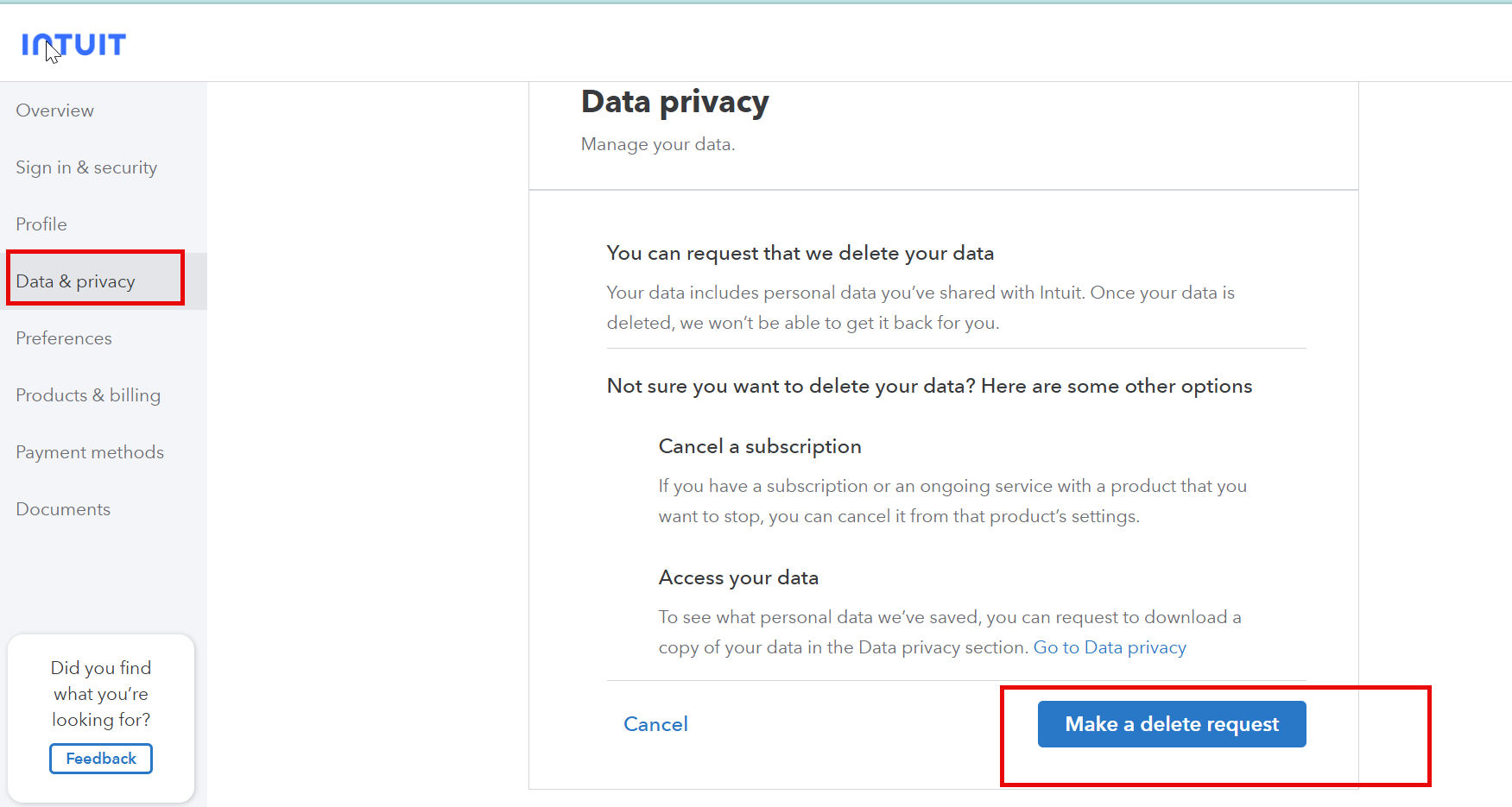
- Select Data Privacy from the left-side menu.
- Select Delete and follow the prompts to "Make a delete request."
- Warning: This is permanent. Once completed, you lose all access to that User ID and any tax history within it. It usually takes a few days for Intuit to process this.
Thank you for choosing TurboTax.
yesterday
