

- Mark as New
- Bookmark
- Subscribe
- Subscribe to RSS Feed
- Permalink
- Report Inappropriate Content
Quebec taxes
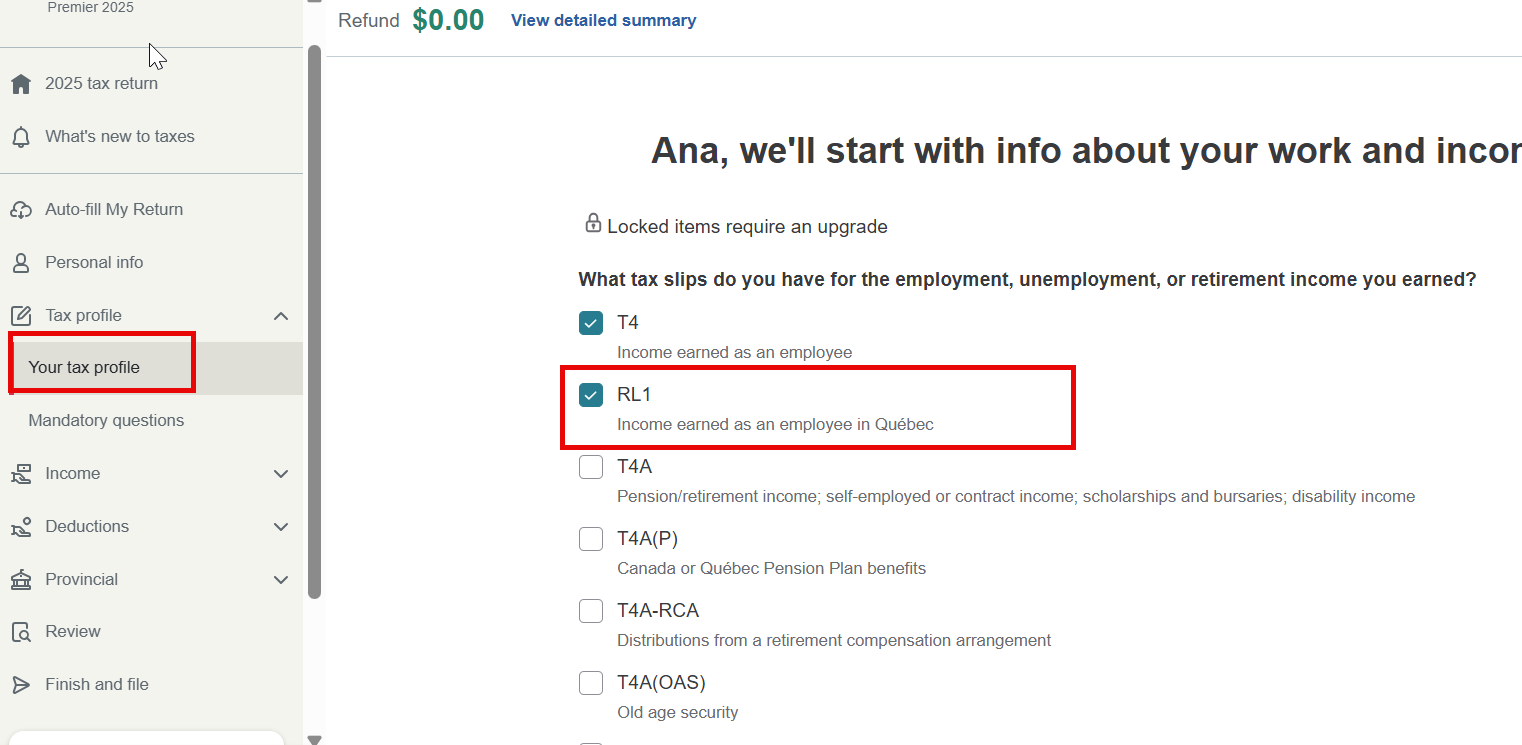
Go to your Tax profile first, and you'll find a section where you can check RL-1. After doing so, the Québec tax deducted from your Relevé 1 slip (non-resident of Québec) section will appear.
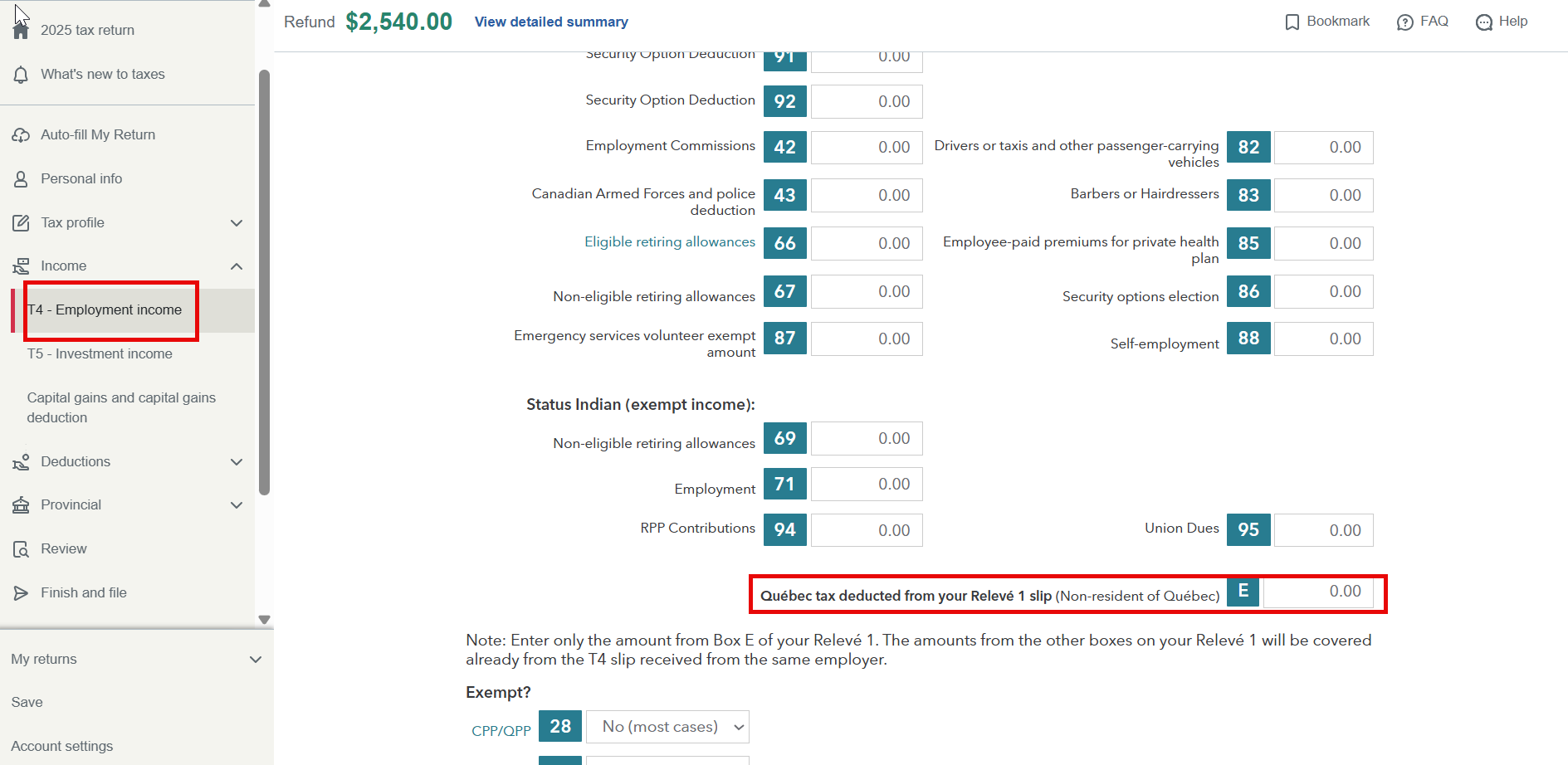
Scroll down to the bottom of the T4 page. You can enter the amount from Box E of your Relevé 1 there. This is the only amount you need to enter if you were a non-resident of Quebec.
Thank you for choosing TurboTax.
March 13, 2026
9:43 AM
