The T1 General is the "master" document. If you are looking for specific slips like a T4 or T5, these aren't "forms" in the return; they are "worksheets" that feed into the T1. In TurboTax, you usually find these in the "Income" section of the interview.
These form are generated when you fill the necessary informations. Before there is way to access them before submit the return. I don't know where is it now or if we can't access them anymore. Like if you use wealthsimple, it's shows at the bottom of the page. It's inconvenient to cannot see them before submit them to CRA. Maybe it's time to switch.
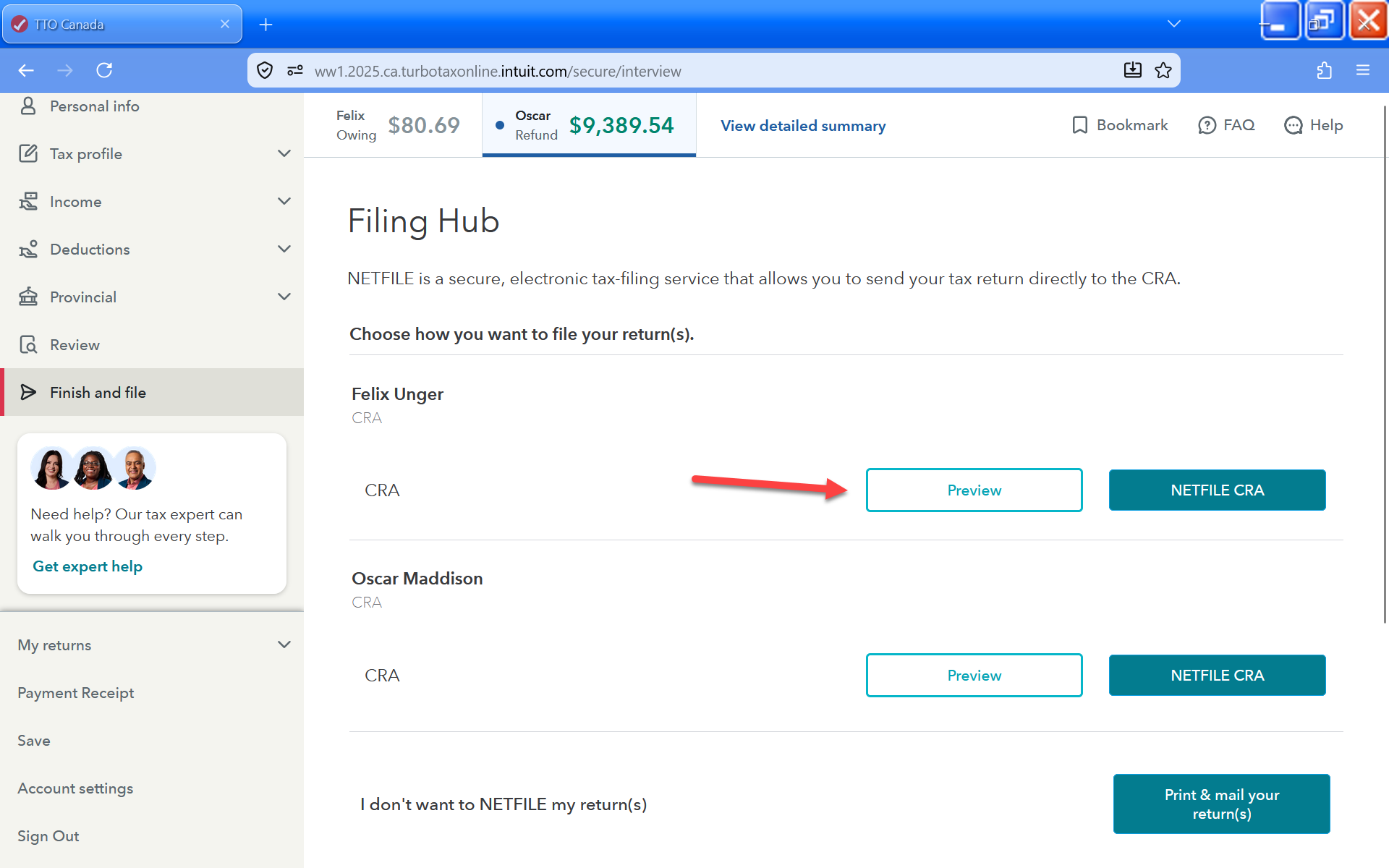
If you are using TurboTax Do It Yourself (Online), when you get to the part where you file your return, you'll get the option to download a PDF preview. This will have your T1 and any other forms that make up your return.
You have clicked a link to a site outside of the TurboTax Community. By clicking "Continue", you will leave the Community and be taken to that site instead.


 Sign In
 Canada (English)
EN
Canada (English)
EN