First, please go to turbotax.ca/activate to use your code before you start your returns. You can see this TurboTax FAQ for step-by-step instructions: In TurboTax Do It Yourself (Online), how do I use a prepayment code? Please note that you can only use the code once in one account. Using the code again will give an error message.
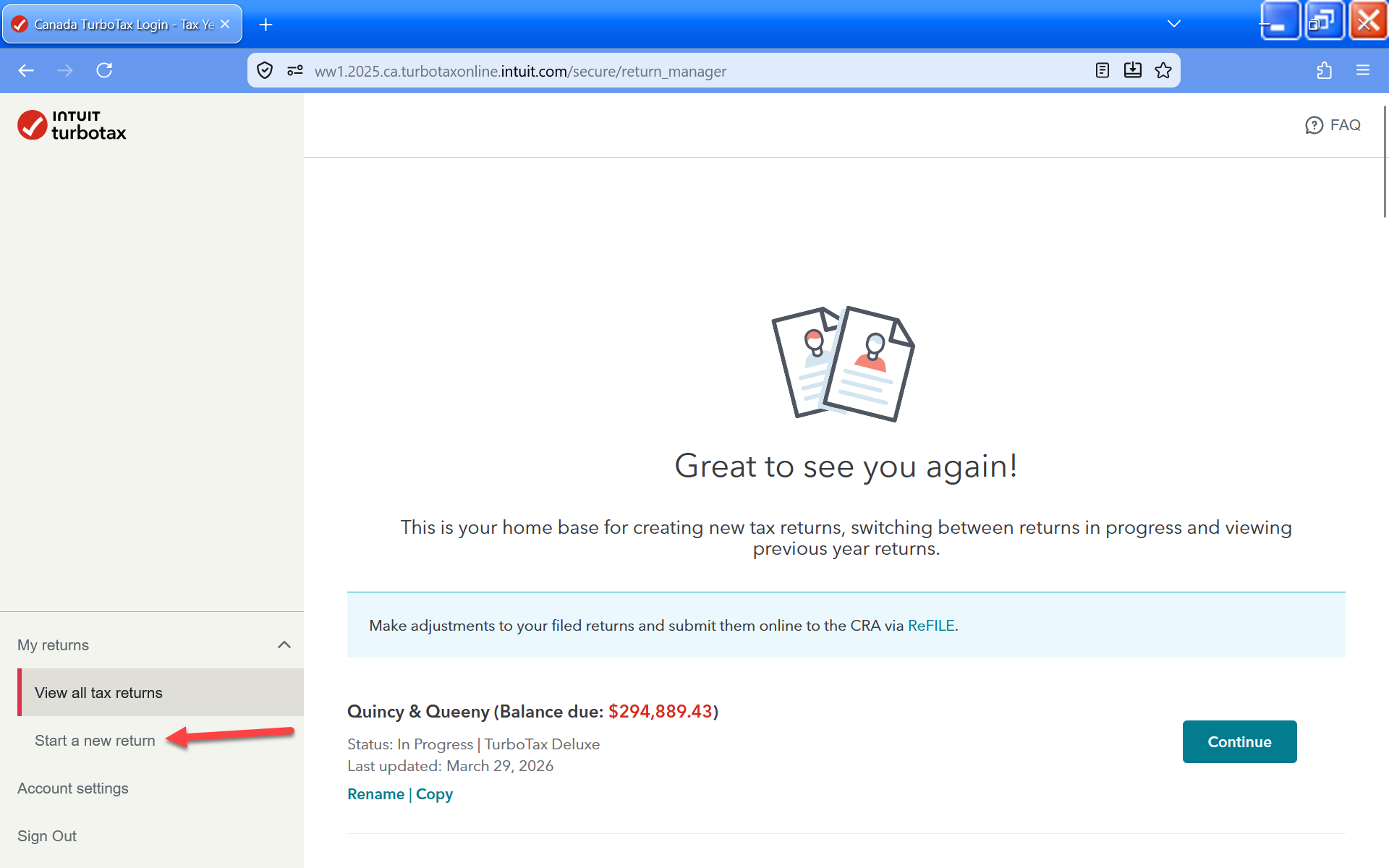
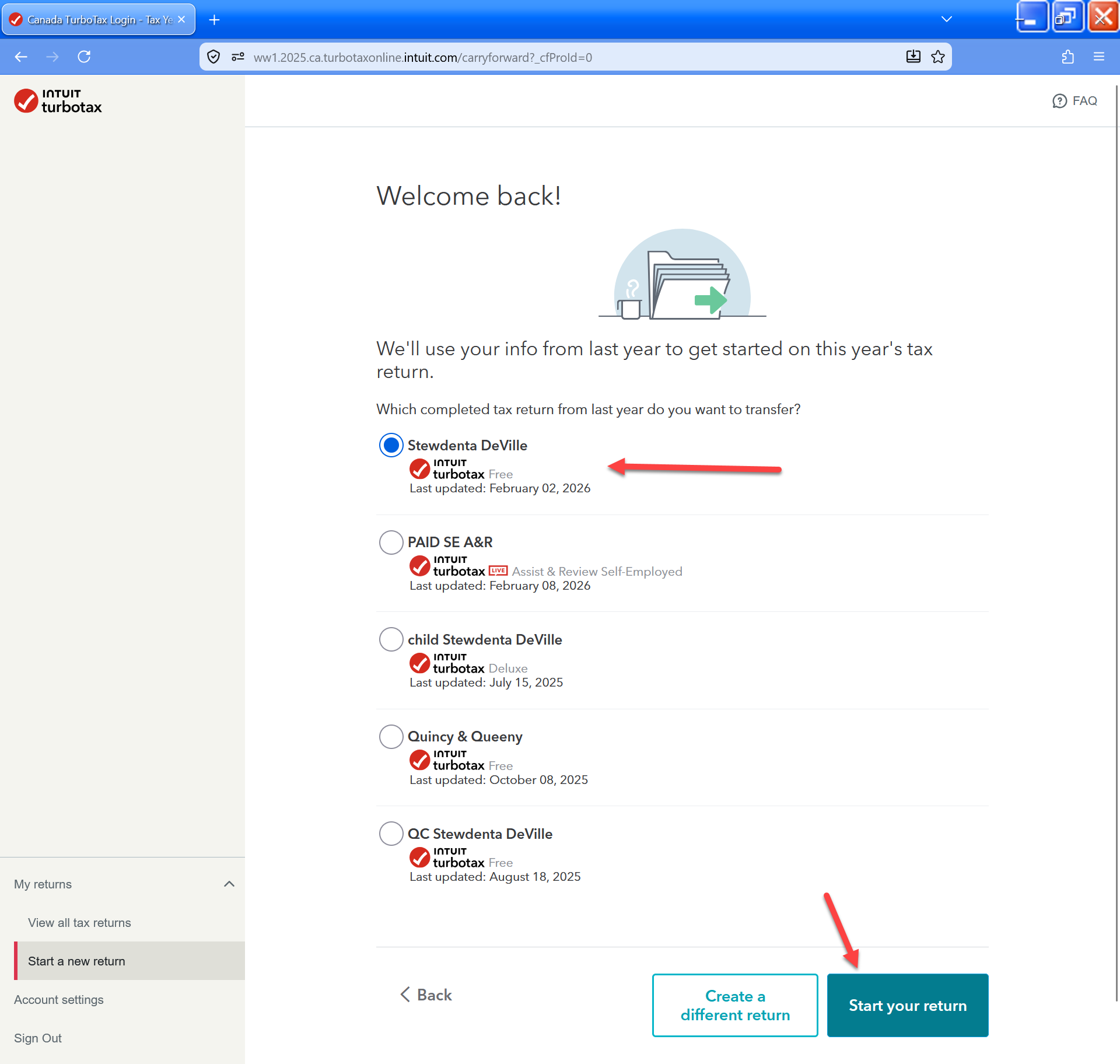
Then, once you are into TurboTax Online, select "Start A New Return" from the left side menu. Then you'll be shown a list of completed tax returns from the previous year. Select one and then click on the "Start Your Return" button in the bottom right.
If you still need more help, please contact our phone support team.



 Sign In
 Canada (English)
EN
Canada (English)
EN


